Création d’un nouveau site
Créez un site web rapide et léger avec Hugo ! Découvrez comment installer Hugo, créer un site, installer un thème et rédiger des articles. Guide complet pour débuter avec ce générateur de sites statiques.
Par Jérémy Pastouret
9 août 2024
3 min

Ouvrez un terminal et lancez la commande suivante en remplaçant [nom_site] par un nom de projet. Hugo crée un dossier avec ce nom et y installe la structure par défaut.
hugo new site [nom_site]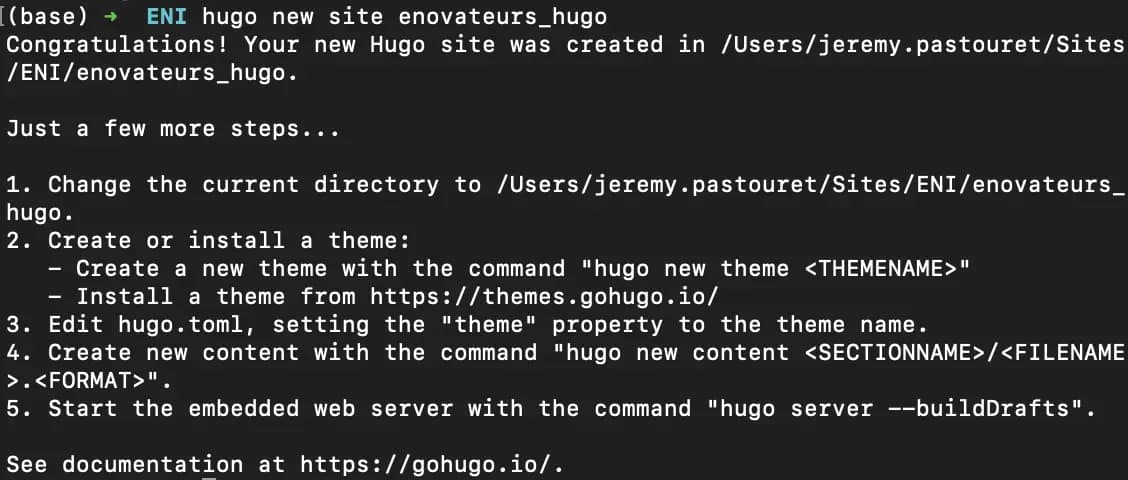
En quelques micro-secondes, la structure est prête - contrairement à WordPress ou NextJS, qui demandent à la fois davantage de temps et plus de fichiers.
Accédez au dossier créé :
cd [nom_site]